
Welcome to the web page about a coloring book.

This coloring book will be available at the Greg Streveler Symposium in Gustavus in July 2025. The book is not available in digital form. If you have questions or comments about the coloring book, contact Chris Fastie (right sidebar).
- Contents:
- Entry 1. Who are the people in the coloring book?
- Entry 2. Photoshopping and other deceptions
Entry 1: Who are the people in the coloring book?
The coloring book images are derived from photos, and the people in them are real. ChatGPT 4o was used to generate the images, and the people don’t quite look like themselves. If the photos had been close-ups of faces, most would be easily recognizable, but ChatGPT makes facsimiles of images, not perfect copies, and small blurry faces don’t get much attention.
According to ChatGPT, ChatGPT has not been instructed to obscure the recognizable features of people, unless maybe the person is an important public figure. It is just not focused on reproducing the features that make a face recognizable to us.
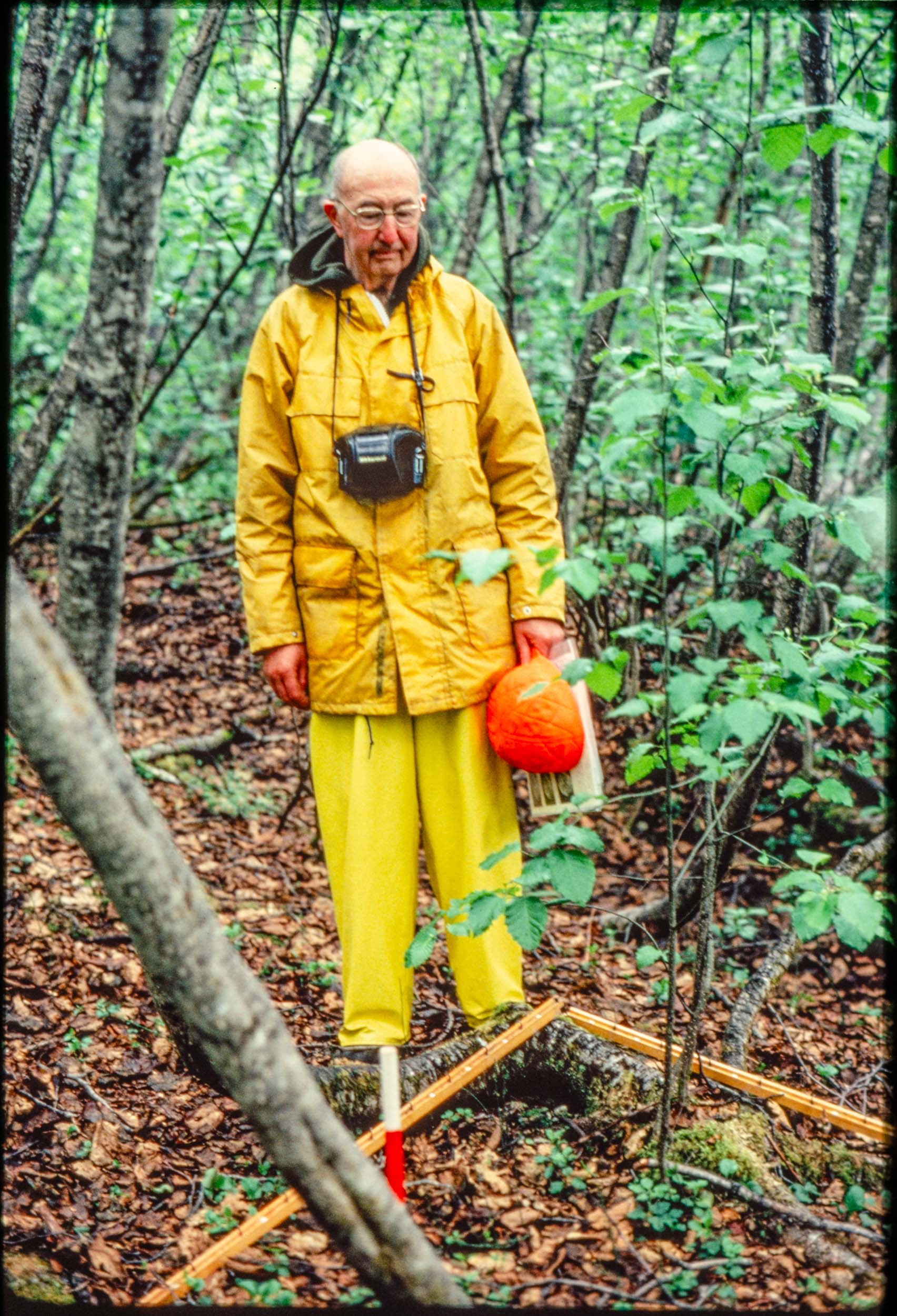
If you knew Donald Lawrence, you might notice that the coloring book image of him is not a very good likeness. That image was derived from a nice color slide of Lawrence (Figure 1) by an unknown photographer (maybe Ian Worley?). When I saw the first ChatGPT-generated image of that slide, it never occurred to me that it didn’t look like Lawrence. That’s partly because I didn’t know Lawrence, had met him only once, and never had a chance to talk to him. But it’s also because that first image had Lawrence standing in one of William Cooper’s plots (Figure 2).
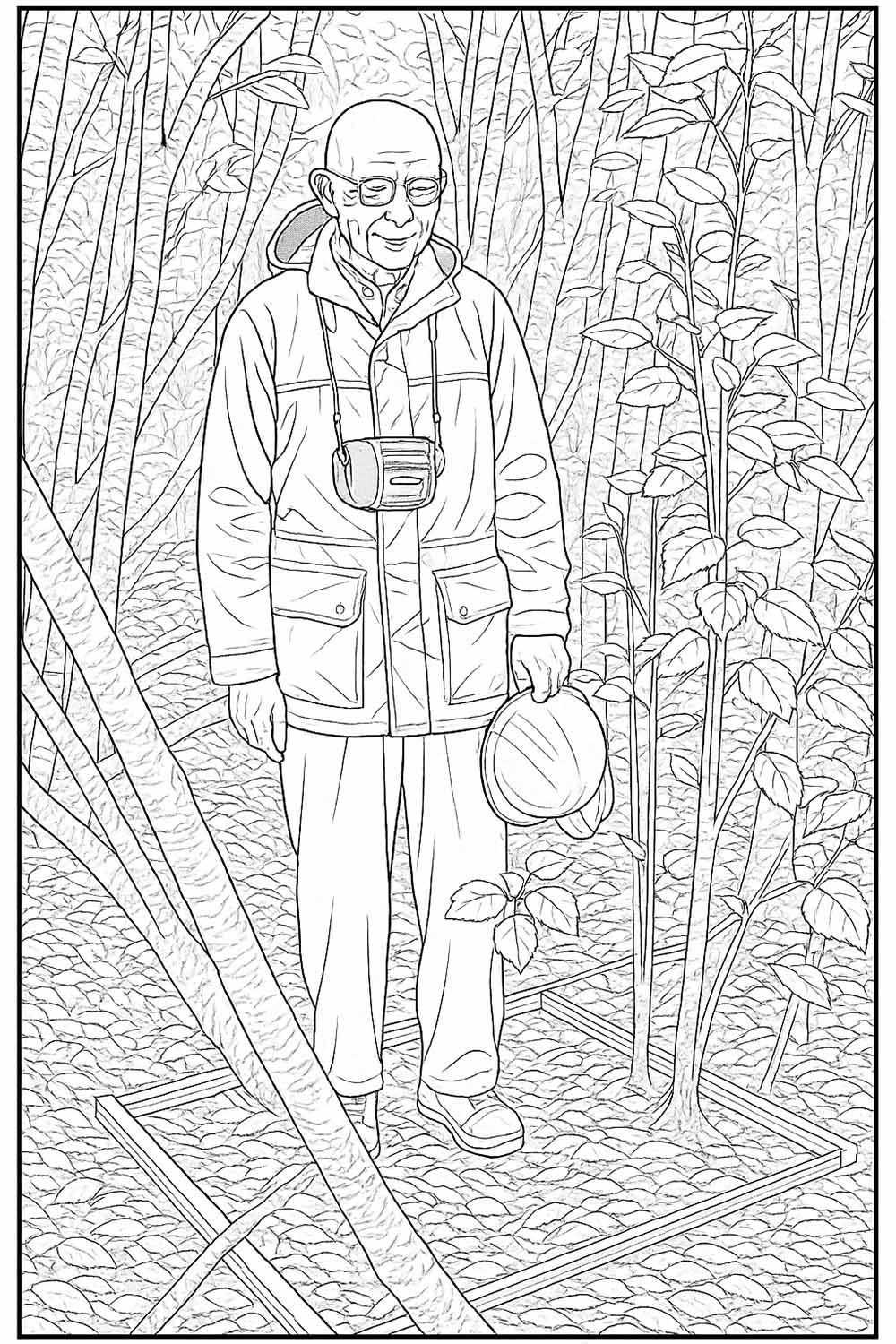
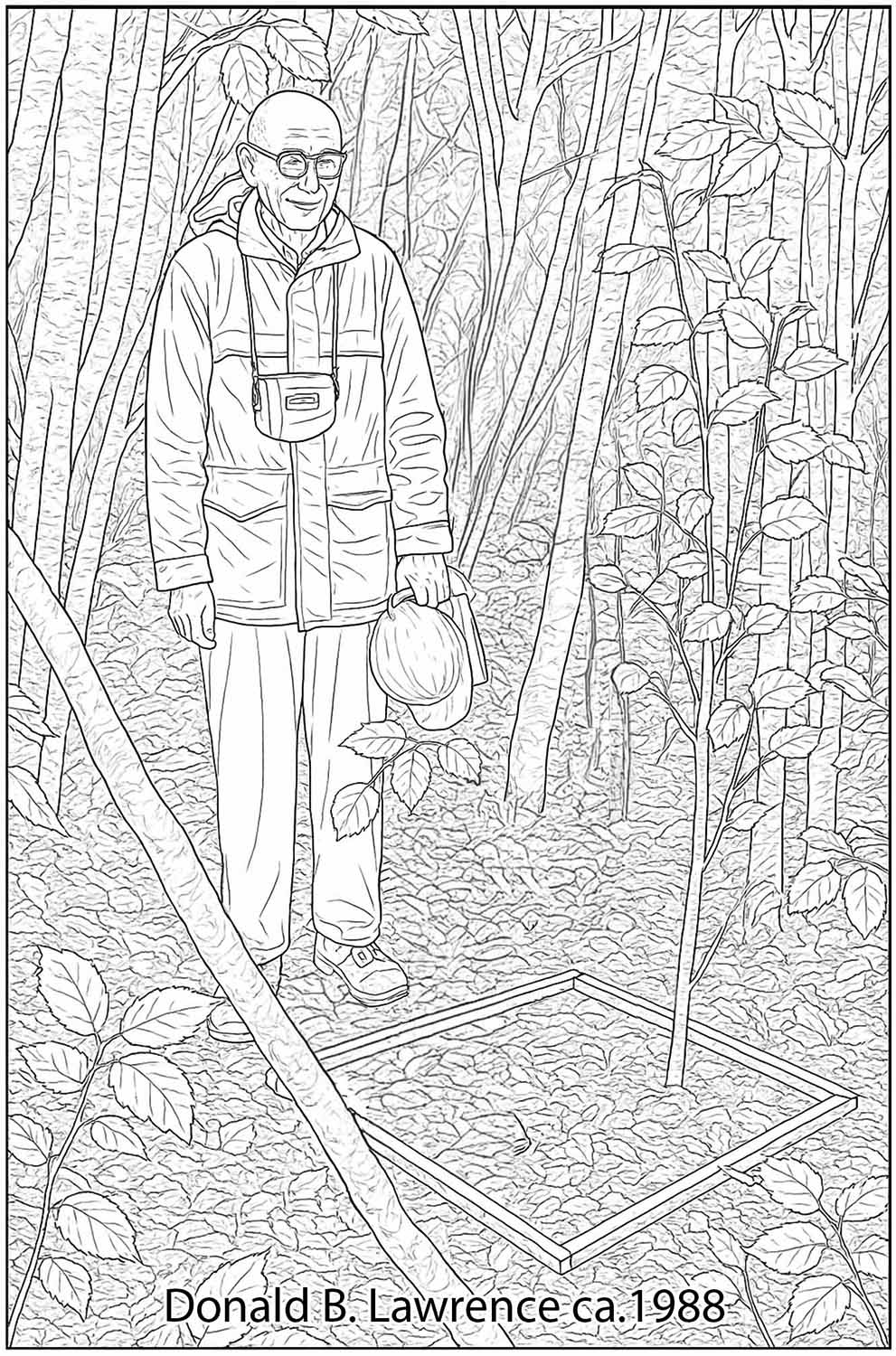
At this point, the least of my worries was that Lawrence did not look like Lawrence. I immediately prompted ChatGPT to get Lawrence out of the plot, but to no avail. After several failed attempts to impress upon ChatGPT the gravity of its transgression, it sort of got the idea and put one foot outside of the plot (Figure 3).

This was a small step in the general direction of regained dignity, but not enough. When additional prompting failed to move the remaining boot, I resorted to Photoshop. Photoshop has AI built in, so I automatically selected Lawrence, copied him, and asked the AI to fill in what was behind him. Then I pasted Lawrence back in safely out of the sacred plot (Figure 4). This is the image that is in the coloring book.
More than half of the AI generated images in the coloring book required some sort of Photoshop manipulation to achieve their final form.
Again, I never checked to see if Lawrence looked like Lawrence, I was just relieved that Cooper’s plot was no longer desecrated. But now I see that, as Richard C says, it ain’t Don. So I tried a few experiments. I cropped the photo and asked ChatGPT for a line drawing (Figure 5).

Cropping the photo seems to let ChatGPT make a more faithful rendering of the face. So I cropped it some more and tried again (Figure 6).
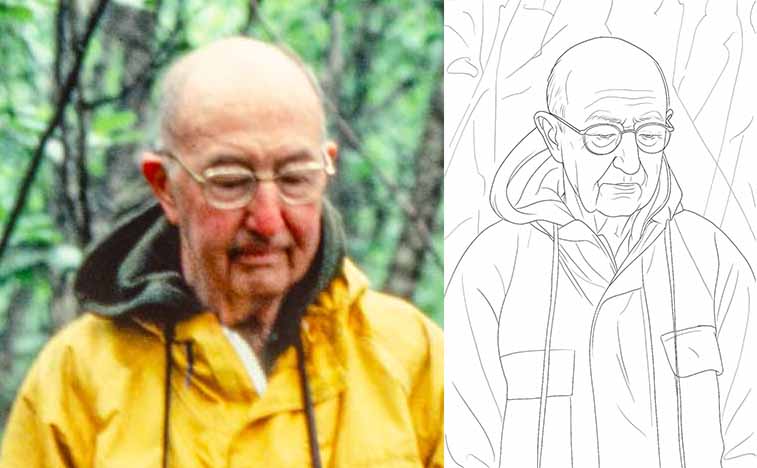
I guess the last one is the best. I assume it would be better if the photo was clearer, but that will require more experiments. If your goal is a recognizable face, it’s also possible to repeat the prompt multiple times. ChatGPT will start from scratch each time and make a new image, eventually maybe hitting on one that you like.
You can also ask for a photorealistic version of a photograph. This is probably not a good idea if you want a pleasing image of someone you know. It seems to create a new type of Uncanny Valley in which the image looks like a normal human, just not the one you wanted it to look like (Figure 7). Is this guy from the Unfriendly Valley?

This is an amazing technology at our fingertips, and it may even be useful for things other than coloring books.
Entry 2: Photoshopping and other deceptions
I didn’t have a very good photo to represent Pathway 3 (lower Muir Inlet and mid-bay); dense alder, scattered spruce, few cottonwoods. So I made one from two photos (Figures 1 and 2). Figure 1 does a good job illustrating how very few spruce trees can shade out most of the shrubs in what was once a continuous thicket.

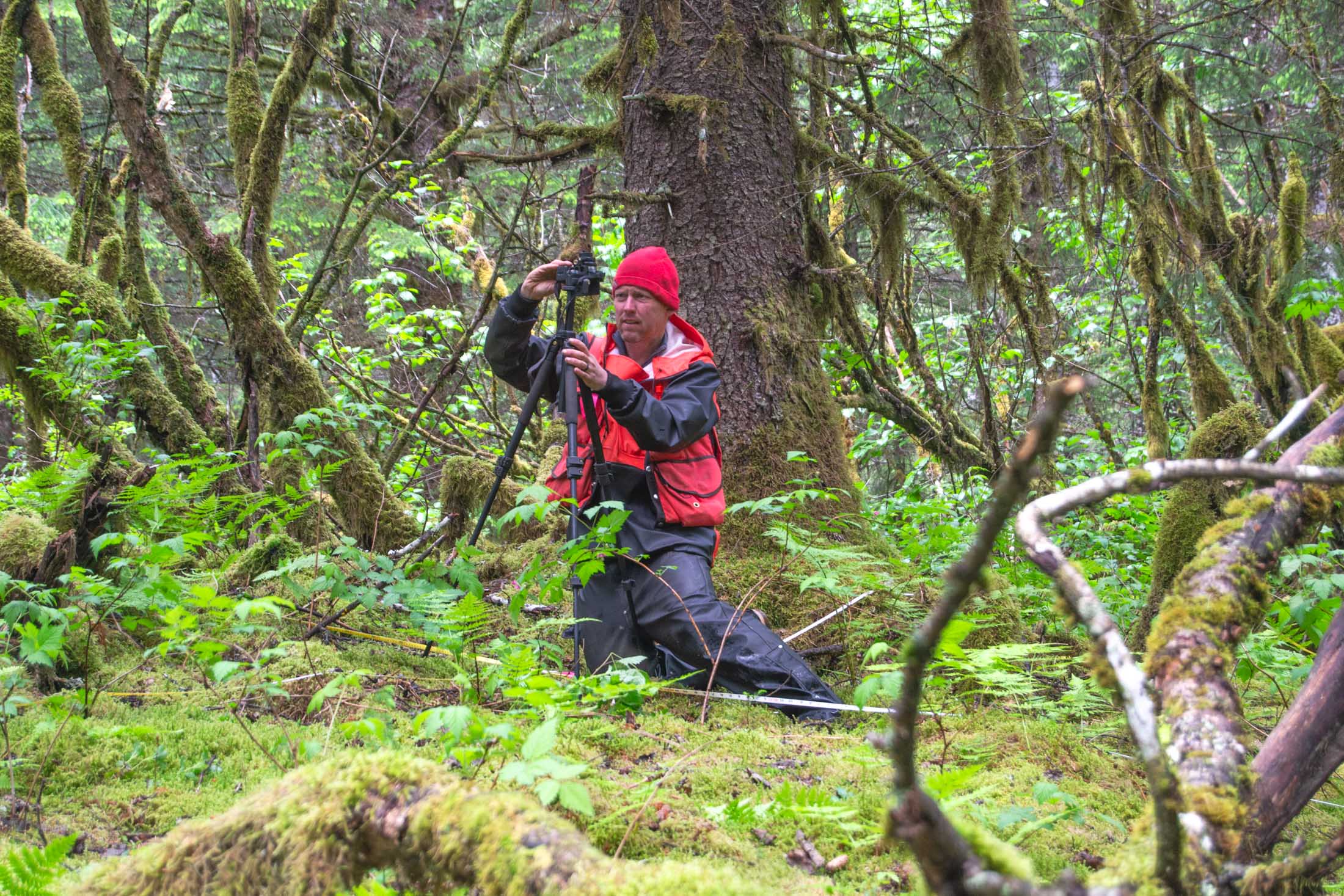
Photoshop helped me move Brian from Figure 2 to Figure 1 to make a more interesting coloring book page (Figure 3). Sometimes ChatGPT makes a better coloring book page if you submit a grayscale instead of color photo.
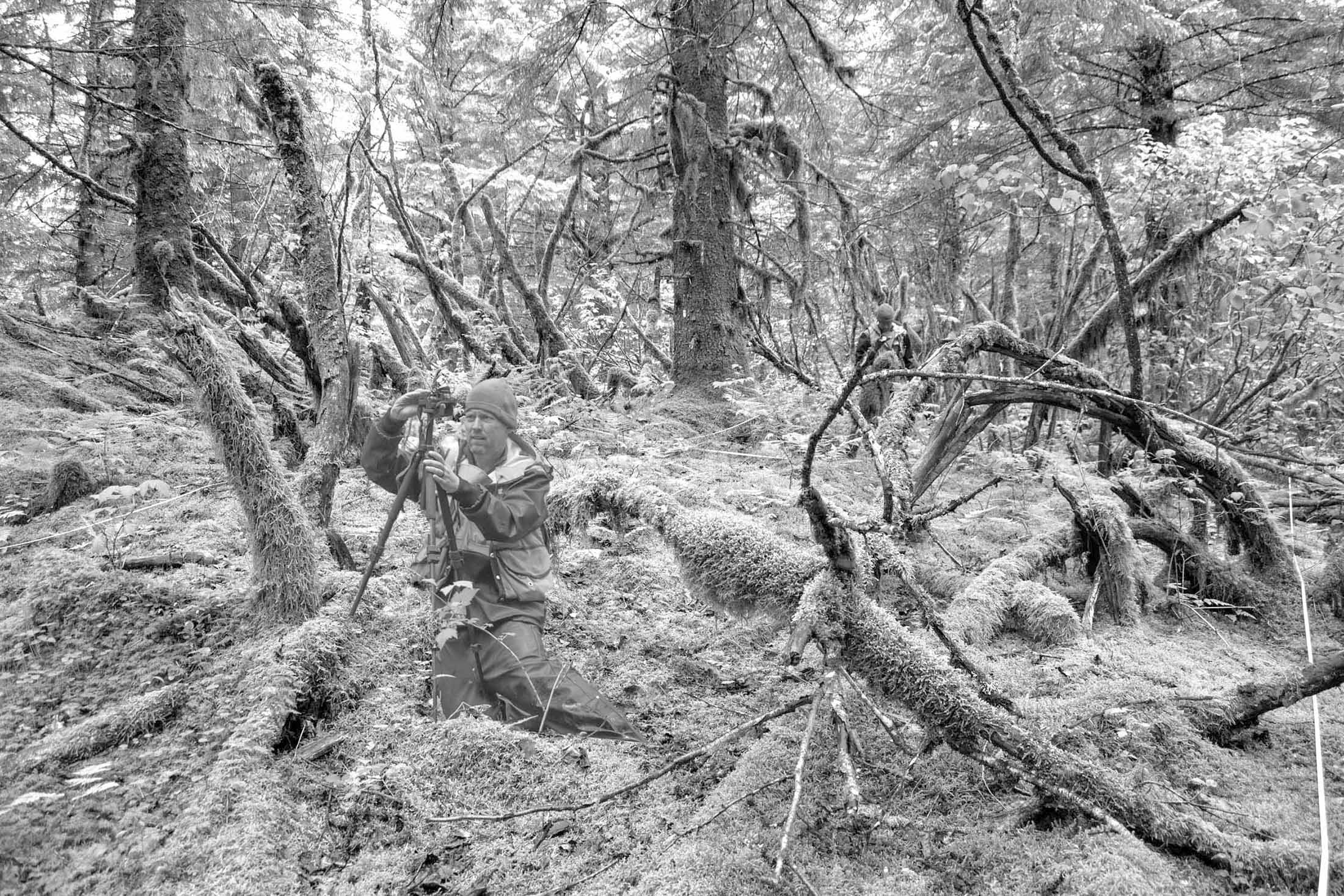
ChatGPT made an image that is more interesting than mine (Figure 4). It recognized the camera and tripod, but assumed Brian was just taking a normal photo. Fortunately, it also ignored the original Brian in the background. Unfortunately, it also added extra spruce trees in the background incorrectly altering the stand density.
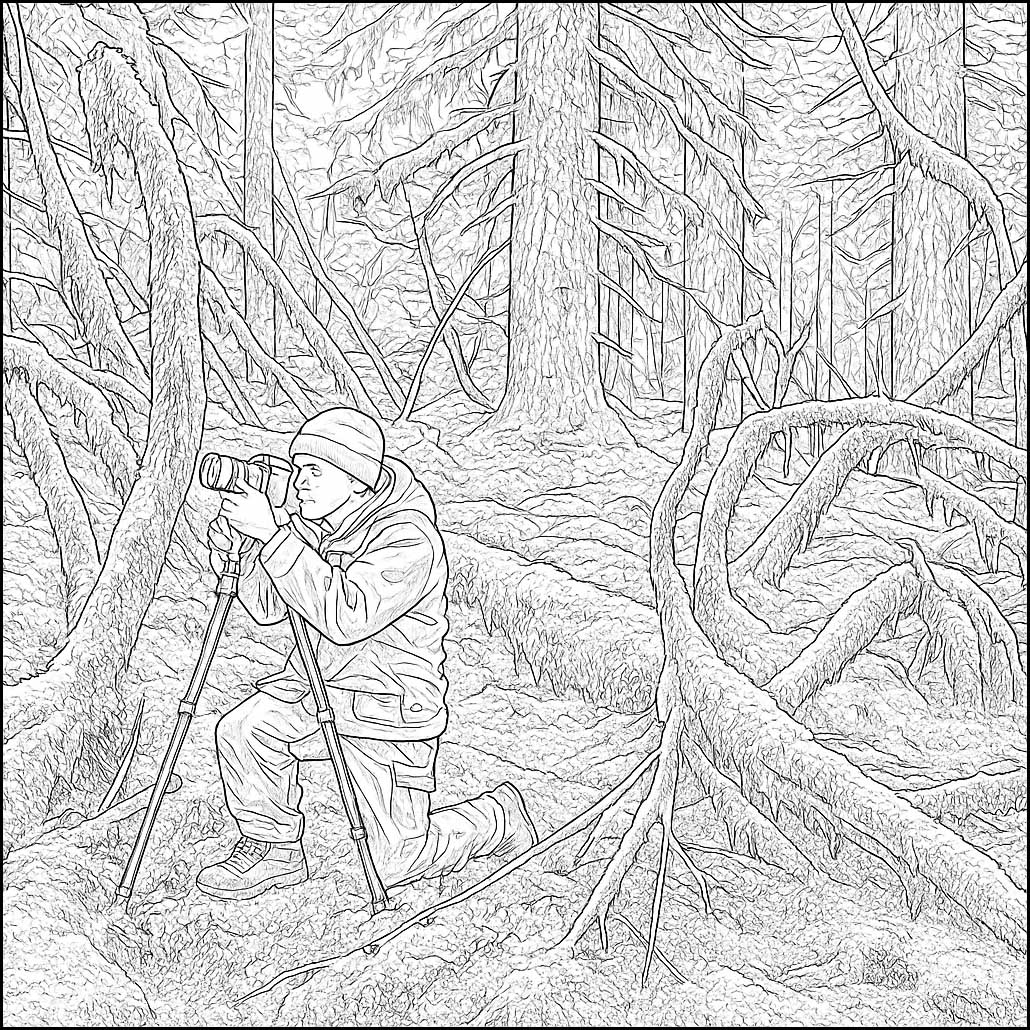
Photoshop helped me remove a few spruce trees, and also added Brian’s missing eyeball (Figure 5).

While producing this image, I mistakenly assumed my photos were taken at Site 6 (Muir Point) instead of Site 5 (Morse Creek). So the coloring book wrongly attributes this scene to Muir Point. I think if I were carried blindfolded to one of these sites I might not be able to tell which one it was. Site 6 is about 20 years older than Site 5 (exposed about 1880 vs. 1900) and all evidence suggests they developed very similarly.
At least now you know how to color Brian.